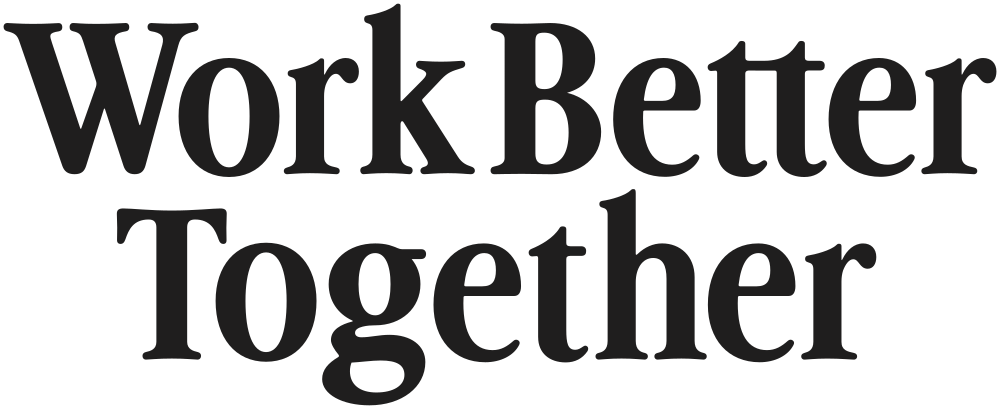
WordmarkThe full name in custom letterforms — the default identity.
Wordmark & Monogram
A custom-drawn wordmark — confident, slightly playful, and rooted in the brand’s editorial voice. The monogram in its rounded square stands in when the full name can’t.
01 · Primary & Secondary
The wordmark is the primary expression — use it wherever space allows. The monogram is the secondary, reserved for tight or square contexts.
Primary
Secondary
Monogram“WBT” inside a rounded square. Avatars, app icons, watermarks.
02 · Wordmark · Color variants
The wordmark lives across the brand palette. These are the eight approved color pairings — never invent new combinations or apply gradients.
03 · Monogram · Color variants
The monogram uses the same eight approved color pairings as the wordmark — calm in calm contexts, bold where it counts. Hover any tile to download as a social profile picture.
About the mark. The “T” stretches across the width of the rounded square — visually carrying the “W” and “B” beneath it. The shape is a quiet metaphor for Together: a single beam holding the rest in place. The rounded outline is also intended to suggest a mirror — because this work is about self-reflection.
04 · Clearspace
Clearspace protects the wordmark from competing elements. The minimum exclusion zone on every side equals x — the cap height of the “W”. When in doubt, give it more.
x
x
The unitOne x equals the cap height of the W. Use it as a measure — never eyeball.
ExclusionKeep x of empty space on every side. Type, photos, edges, and other logos must stay outside.
Fixed formThe wordmark is a single optical drawing. Don’t separate the words, recompose, or substitute live type.
05 · Sizing & minimums
Below the minimum sizes, the custom letterforms lose fidelity. When you need to go smaller, switch to the monogram — that’s what it’s for.
Hero
≥ 360 px digital · ≥ 80 mm print
Covers, headers, presentation title slides.
Default
≥ 220 px digital · ≥ 50 mm print
Most surfaces — most of the time.
Compact
≥ 140 px digital · ≥ 32 mm print
Footers, sigs, business cards.
Minimum
≥ 96 px digital · ≥ 22 mm print
Hard floor — use the monogram below this.
Monogram · Hero
≥ 96 pxApp icons, splash screens.
Monogram · Default
≥ 48 pxAvatars, seals, watermarks.
Monogram · Compact
≥ 32 pxInline next to text, mini-avatars.
Monogram · Minimum
≥ 16 pxFavicons. Stay vector — never raster below 32 px.
06 · Do & Don’t
The system is designed to feel calm and consistent. The fastest way to break that feeling is by stretching, recoloring, or decorating.
Don’t Avoid
✕
Don’t stretch, squeeze, or distort.
✕
Don’t rotate or angle the wordmark.
✕
Don’t introduce off-palette colors.
✕
Don’t add shadows, glows, or effects.
✕
Don’t pair the monogram and wordmark side by side.
✕
Don’t stack the monogram above the wordmark.
07 · Files & downloads
Vector files are the master. Use the SVGs for digital and the PDFs for print. Color variants can be derived from the black master.
—
File
Format
Use
Status

03
WBT-Wordmark-Color-PackSteady Blue, Slate, Gold, White on each background
.zip
Bundle
Pending
04
WBT-Monogram-Color-PackAll approved fills + knockouts
.zip
Bundle
Pending
05
WBT-Favicon-set16, 32, 48, 180 px PNG + .ico
.png / .ico
Raster
Pending